PortSwigger Walkthrough - Username enumeration via different responses
Walkthrough of PortSwigger's 'Username enumeration via different responses' lab.

To browse all labs in this series, visit the full PortSwigger series.
All testing shown in this series is performed against PortSwigger Academy’s intentionally vulnerable labs.
Do not apply these techniques to systems you do not own or have explicit written permission to test.
What’s this?
Username enumeration is often the very first step when attacking an authentication system. Instead of brute-forcing both username and password at the same time, an attacker first confirms which usernames actually exist, then focuses the password attack on those. This turns a two-variable problem into a one-variable one and cuts the time to access down significantly.
One of the most common (and easiest to fix) ways an application leaks this is through different error messages. “Invalid username” and “Incorrect password” are functionally identical to a legitimate user who just mistyped something, but to an attacker they are a map. One tells you the username is wrong, the other tells you the username is right but the password is not. That is all you need to start enumerating.
Objective
This lab is vulnerable to username enumeration and password brute-force attacks.
There is an account with a predictable username and password, both findable in PortSwigger’s candidate wordlists. Enumerate a valid username, brute-force its password, and log in.
Walkthrough
With the proxy active, navigate to My account and make any login attempt. We just need to capture the POST /login request in Burp’s proxy history, so the credentials do not matter at all here. Once we have it, send it to Intruder (Ctrl+I or right-click → Send to Intruder).
In the Intruder tab, clear all the auto-detected positions and set the payload position on the username value only, leaving the password as anything. Load the candidate usernames wordlist from the lab page and start the attack.
Once the attack finishes, sort the results by Length. One response will have a noticeably different length. When we inspect it, the error message reads Incorrect password instead of Invalid username, which confirms the username exists. In this case, the valid username is at.
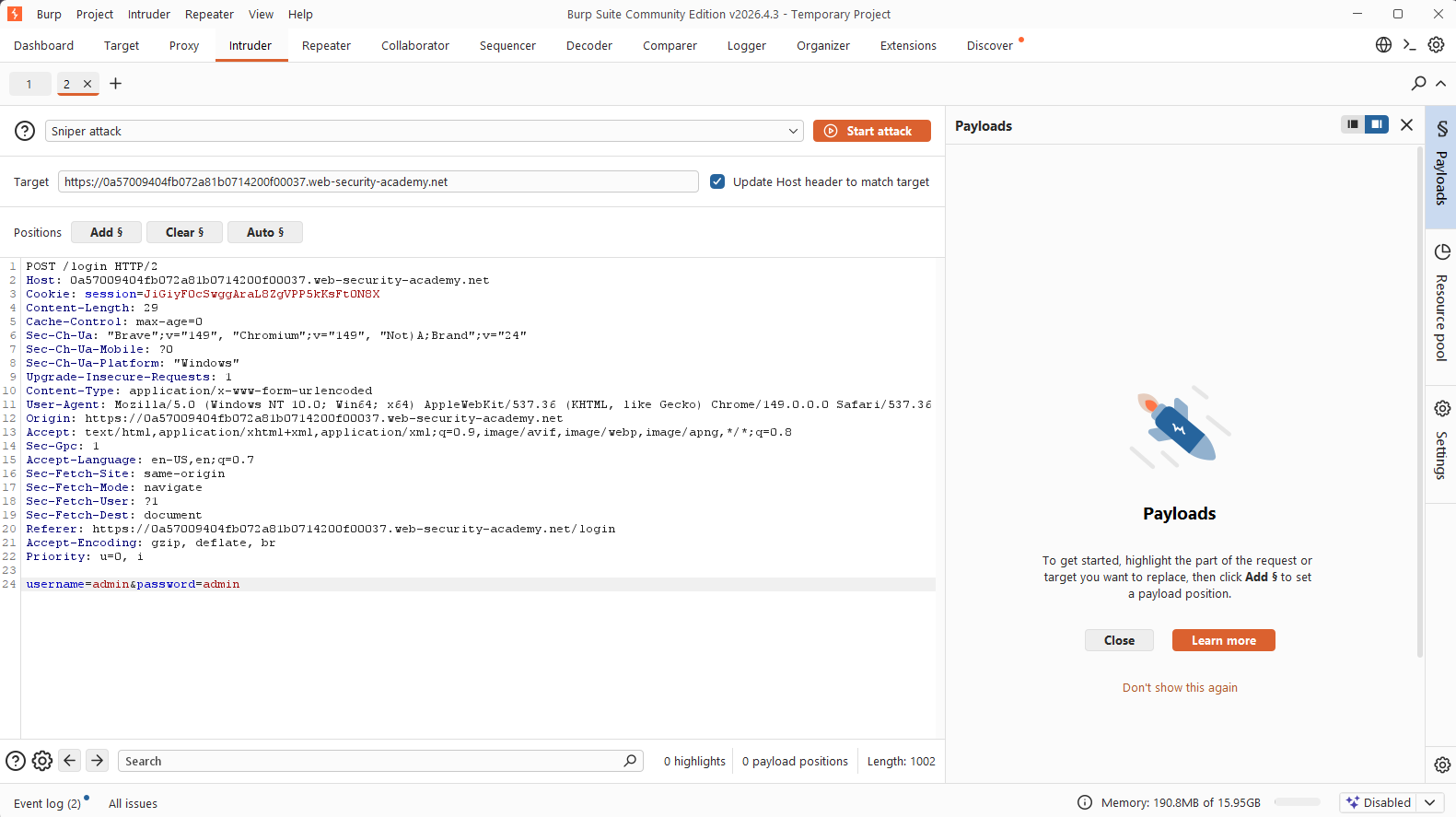
Now go back to the Intruder configuration, fix username=at in the request body, move the payload position to the password value, and load the candidate passwords wordlist. Start the attack again and sort by Status: the successful login produces a 302 redirect with a different length. The valid password is moscow.
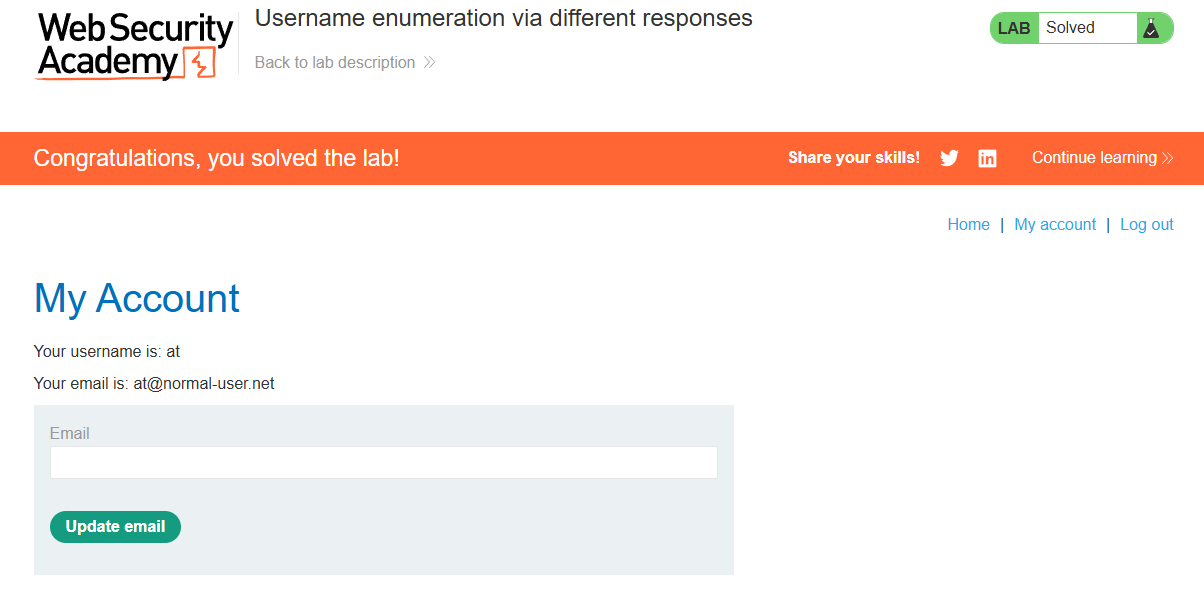
Log in as at:moscow and the lab is solved.