PortSwigger Walkthrough - Password brute-force via password change
Walkthrough of PortSwigger's 'Password brute-force via password change' lab.

To browse all labs in this series, visit the full PortSwigger series.
All testing shown in this series is performed against PortSwigger Academy’s intentionally vulnerable labs.
Do not apply these techniques to systems you do not own or have explicit written permission to test.
What’s this?
Login forms tend to get a lot of attention during development: rate limiting, lockouts, CAPTCHA. Password change endpoints, not so much. This one has a client-supplied username parameter (already bad), and its error messages behave differently depending on whether the current password is correct or not. That difference is enough to brute-force another user’s current password through the change endpoint, completely bypassing any login-page protections.
Objective
Brute-force Carlos’s current password through the password change endpoint and access his account page. Credentials wiener:peter are provided.
Walkthrough
Log in as wiener:peter and navigate to account settings. There is a password change form requiring the current password and two new password fields. Submit a change with the proxy active and inspect the POST /my-account/change-password request. The body includes:
1
username=wiener¤t-password=peter&new-password-1=newpass&new-password-2=newpass
First thing to notice: username is a client-supplied parameter. Second thing: let’s figure out how the server responds when we mess with the inputs. Through some trial and error in Repeater we find the following:
- Wrong current password, mismatching new passwords:
Current password is not correct - Correct current password, mismatching new passwords:
New passwords do not match
That is the side channel. If we send mismatching new passwords and brute-force the current-password field for username=carlos, every wrong guess returns Current password is not correct and the correct one returns New passwords do not match. The session stays alive the whole time because the password never actually changes.
Send the request to Intruder with a Sniper attack. Set username=carlos and make new-password-1 and new-password-2 intentionally different values. Set the payload position on current-password and load the candidate passwords wordlist.
Add a Grep - Extract rule to pull the error message from the response. Start the attack.

Sort the extracted column. The entry that reads New passwords do not match is the correct current password for Carlos: 111111.
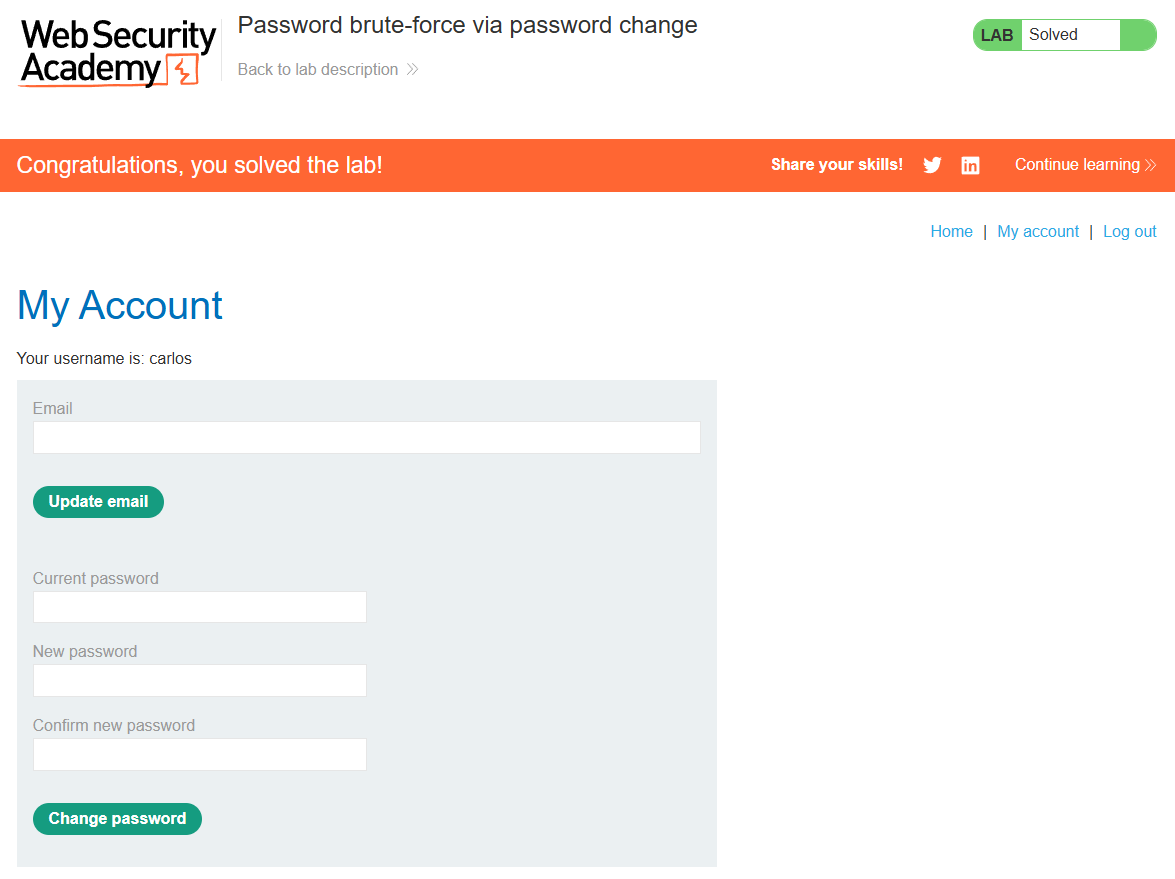
Log in as carlos:111111 and the lab is done.