PortSwigger Walkthrough - Broken brute-force protection, IP block
Walkthrough of PortSwigger's 'Broken brute-force protection' lab.

To browse all labs in this series, visit the full PortSwigger series.
All testing shown in this series is performed against PortSwigger Academy’s intentionally vulnerable labs.
Do not apply these techniques to systems you do not own or have explicit written permission to test.
What’s this?
Not all brute-force protections are created equal. This one counts failed login attempts and blocks the IP after hitting a threshold, which sounds reasonable on paper. The catch is that a successful login resets the counter. If an attacker controls a valid account, they can interleave their own successful logins between attack attempts and keep the counter at zero indefinitely. The lockout never triggers.
Objective
Exploit the logic flaw in the brute-force protection to enumerate Carlos’s password without getting blocked. Credentials wiener:peter are provided.
Walkthrough
The lab blocks the IP after 3 failed attempts. The trick is to make 2 attempts against Carlos and then log in successfully as Wiener before the third, which resets the counter. Repeat this pattern across the entire password wordlist and we never get blocked.
Spoiler: this can be done in several ways and all of them are valid, so if you want to see a different approach, there are other walkthroughs out there. This is the one I went with.
We need two wordlists that iterate in sync. For the password list, we take the candidate passwords wordlist and insert peter (Wiener’s password) after every 2 entries. You can do this with a quick sed command:
1
2
# passwords.txt is PortSwigger's candidate passwords list
sed -i '0~2a\peter' passwords.txt
For the username list, we need a matching sequence of carlos, carlos, wiener repeating 50 times (so 150 entries total):
1
2
3
yes "carlos
carlos
wiener" | head -n 150 > users.txt
Now send a login attempt to Intruder, set the attack type to Pitchfork, and add payload positions on both username and password. Load users.txt as payload set 1 and the modified passwords.txt as payload set 2. Pitchfork iterates both lists in parallel so the interleaving pattern stays intact.
Start the attack. Filter by status code 302 to find the successful Carlos login. The valid password is thomas.
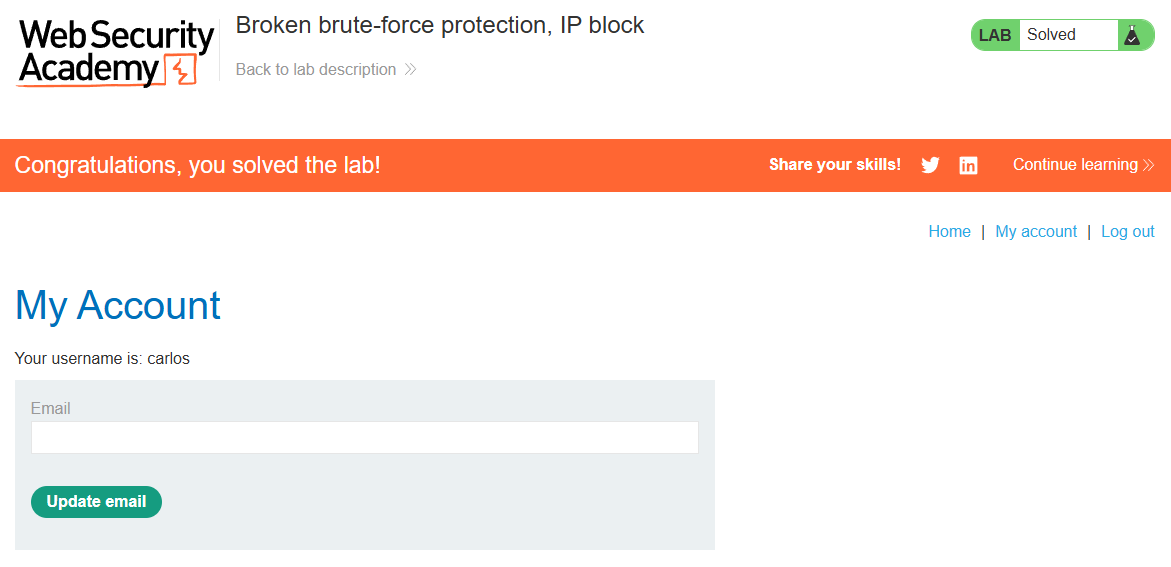
Log in as carlos:thomas and the lab is done.