PortSwigger Walkthrough - Manipulating WebSocket messages to exploit vulnerabilities
Walkthrough of PortSwigger's 'Manipulating WebSocket messages to exploit vulnerabilities' lab.

To browse all labs in this series, visit the full PortSwigger series.
All testing shown in this series is performed against PortSwigger Academy’s intentionally vulnerable labs.
Do not apply these techniques to systems you do not own or have explicit written permission to test.
What’s this?
WebSockets are long-lived, bidirectional connections initiated over HTTP, and basically every classic web vulnerability can show up in them too. If the app takes whatever comes through a WebSocket message and reflects it somewhere without sanitizing it, that’s the same old injection problem, just riding a different transport. Burp Proxy has a dedicated WebSockets history tab, and you can intercept, modify, and replay messages from there the same way you’d work with regular HTTP requests.
Objective
This shop has a live chat feature built on WebSockets. Messages you send are viewed in real time by a support agent. Trigger an alert() popup in the support agent’s browser.
Walkthrough
Open the live chat and try a basic payload straight away: <script>alert(1)</script>. Checking the WebSocket message in Burp’s history shows the “dangerous” characters get HTML-encoded before being sent:
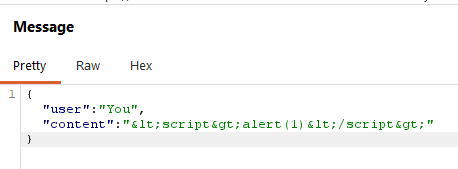
So <script> tags specifically are neutralized somewhere in the pipeline. Turn on proxy intercept, send a new chat message, and edit it in flight before it goes out, swapping in an event-handler-based payload instead of a <script> tag:
1
<img src=1 onerror='alert(1)'>
Forward the modified message. The support agent’s side renders it, the onerror handler fires, and the popup goes off.
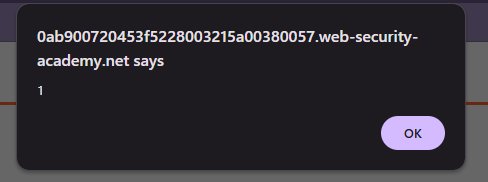
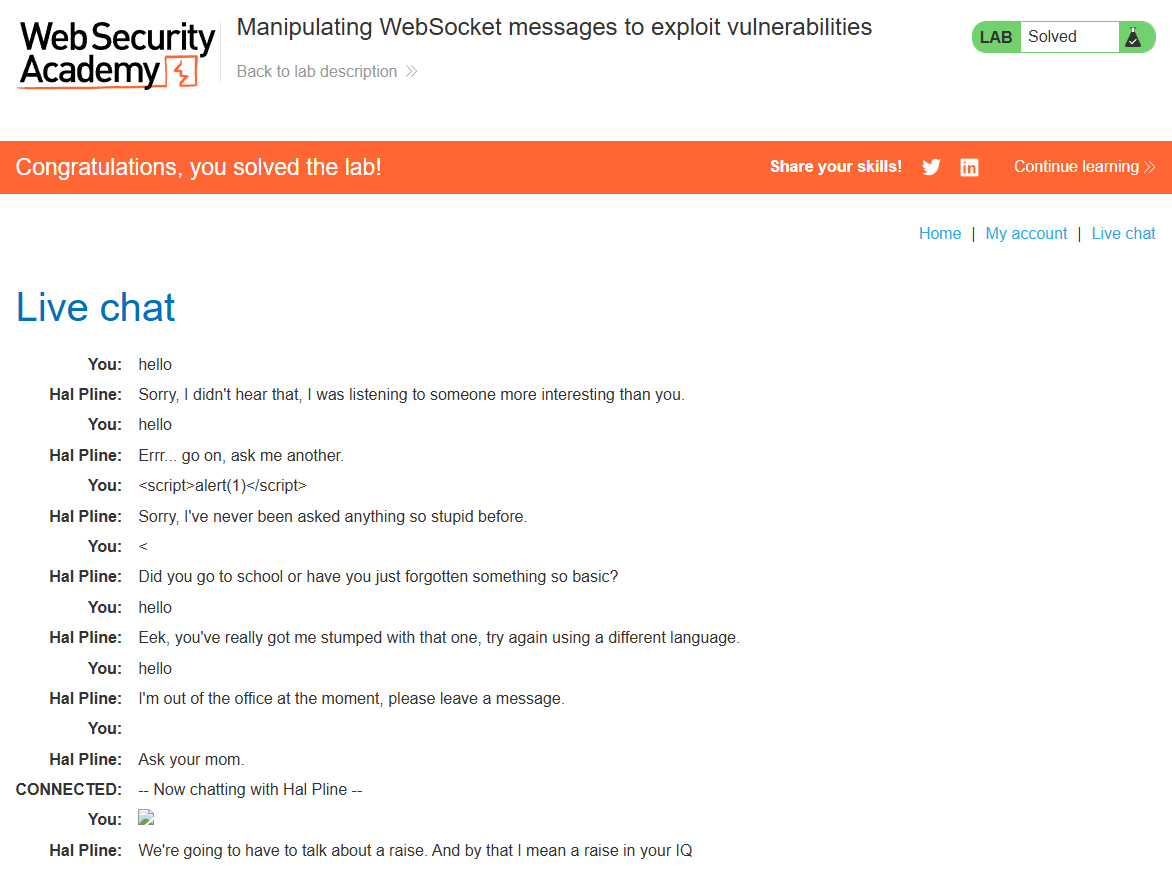
Same story as any reflected/stored XSS: whatever encoding was in place was targeting specific tags, not the underlying problem of untrusted input ending up in the DOM unescaped.